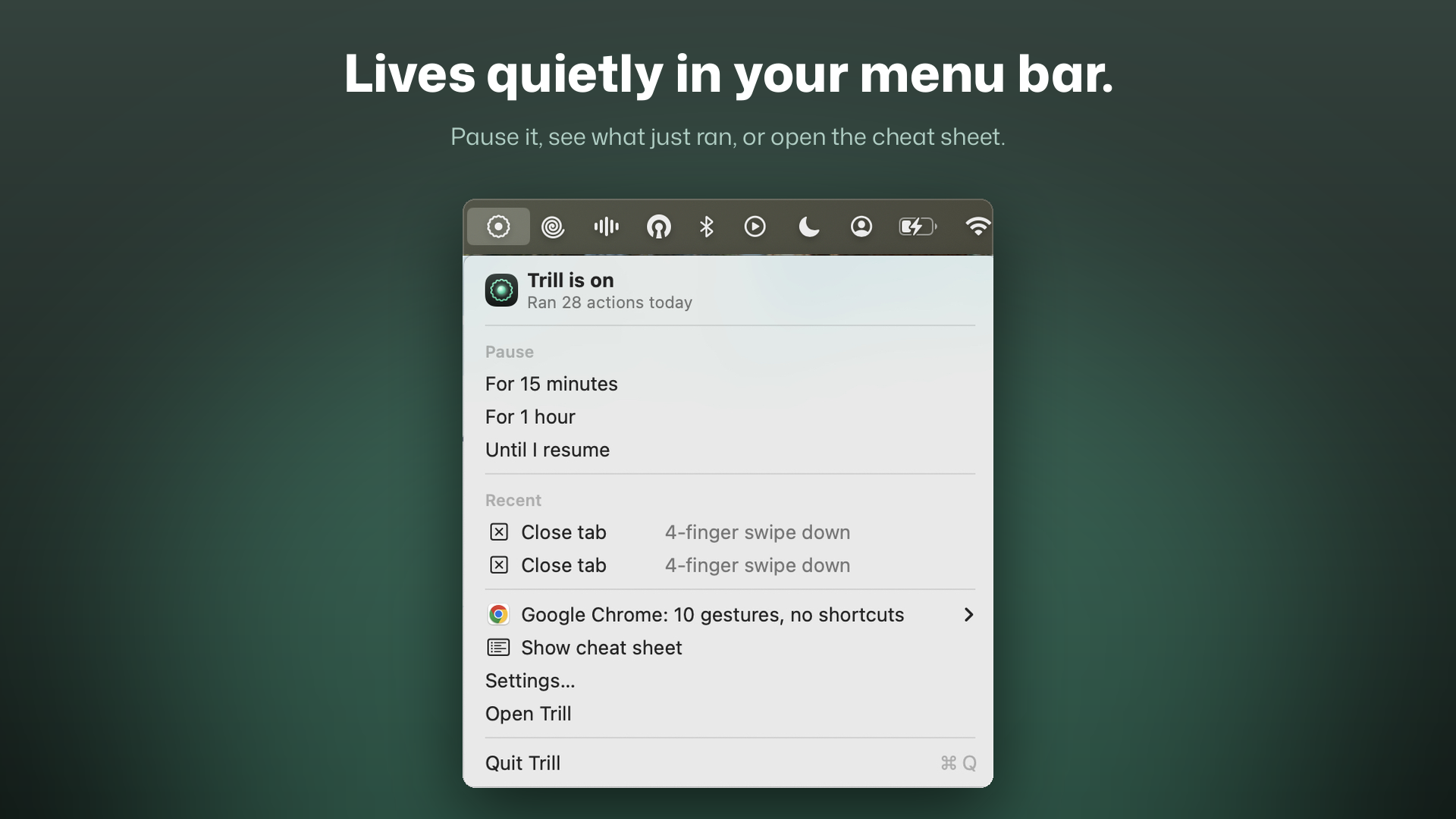
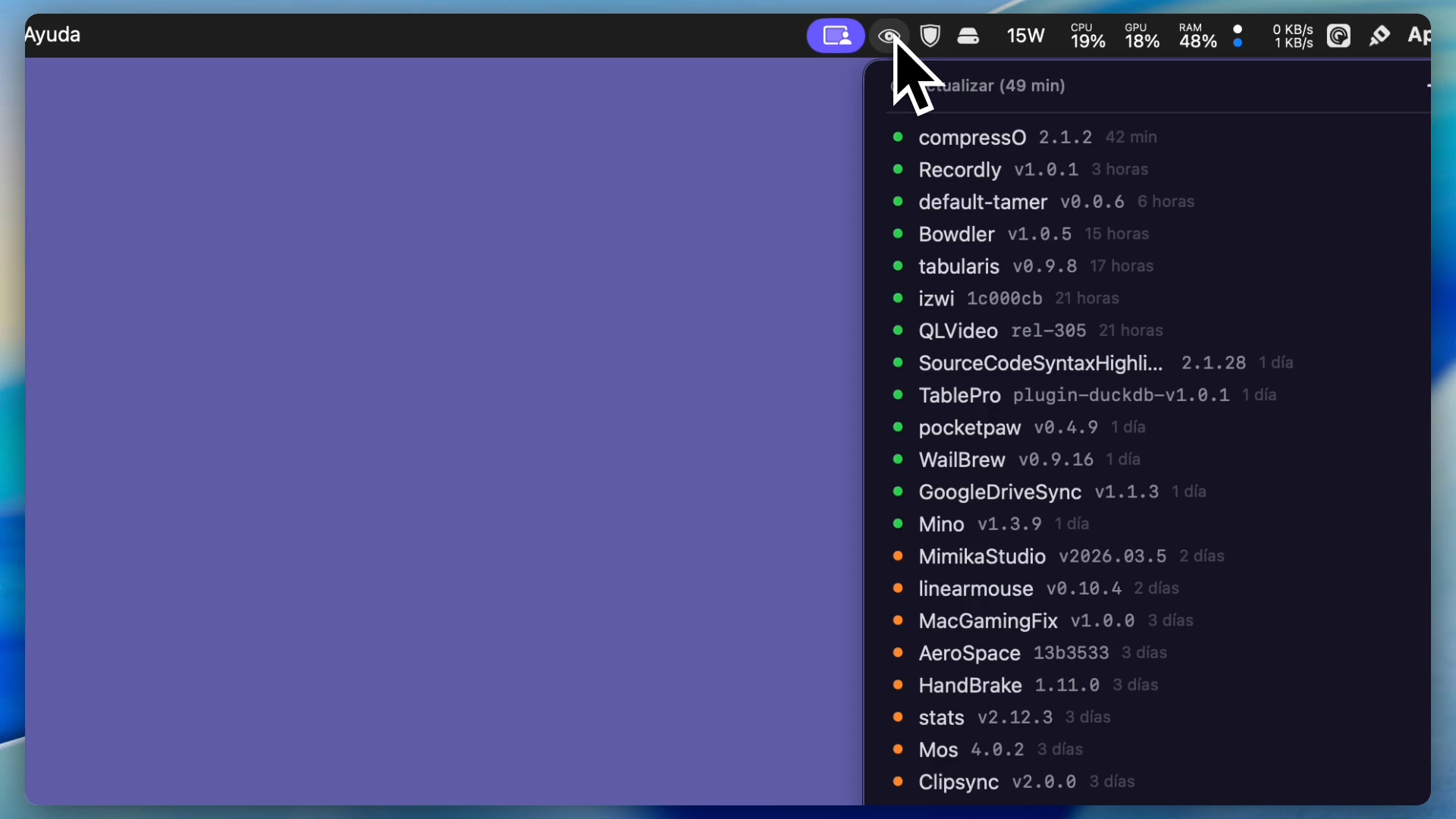
Mino is a fast and lightweight native macOS menu bar application designed to help developers track GitHub releases effortlessly.
Key Features
- Menu Bar Integration: Unobtrusive status bar icon with inline repository information
- Inline Actions: Hover over any repository to reveal contextual action buttons — view release notes, open releases, install via Homebrew, or delete
- Homebrew Integration: Detects installed Casks automatically and enables one-click install/update directly from the menu
- Integrated Search: A sleek, centered search field with an intelligent Tag Cloud for filtering repositories by language, topic, or status
- Hybrid Quick Add: Copy a GitHub repository URL, open the menu, and the header intelligently transforms into a "Quick Add" action
- Dynamic Typography: Choose your preferred text size (10pt to 16pt) — the entire menu UI scales proportionally
- Multi-Hunt Window: A persistent floating window for batch-adding repositories while browsing
- Favorites: Right-click any repository to mark it as a favorite with a gold ★ indicator
- Localized: Supports 11 languages with automatic system detection
- Auto-Start: Launch at login via native macOS LaunchAgent
- Light & Dark Mode: Full support, including a forced-dark HUD panel for notifications
Security
Your GitHub authentication token is stored securely in macOS Keychain — never in plain text. Uses GitHub's official Device Authorization Flow (OAuth).
Installation
brew install nad-bit/tap/mino
Or build from source — no Xcode project required, just run ./build.sh.