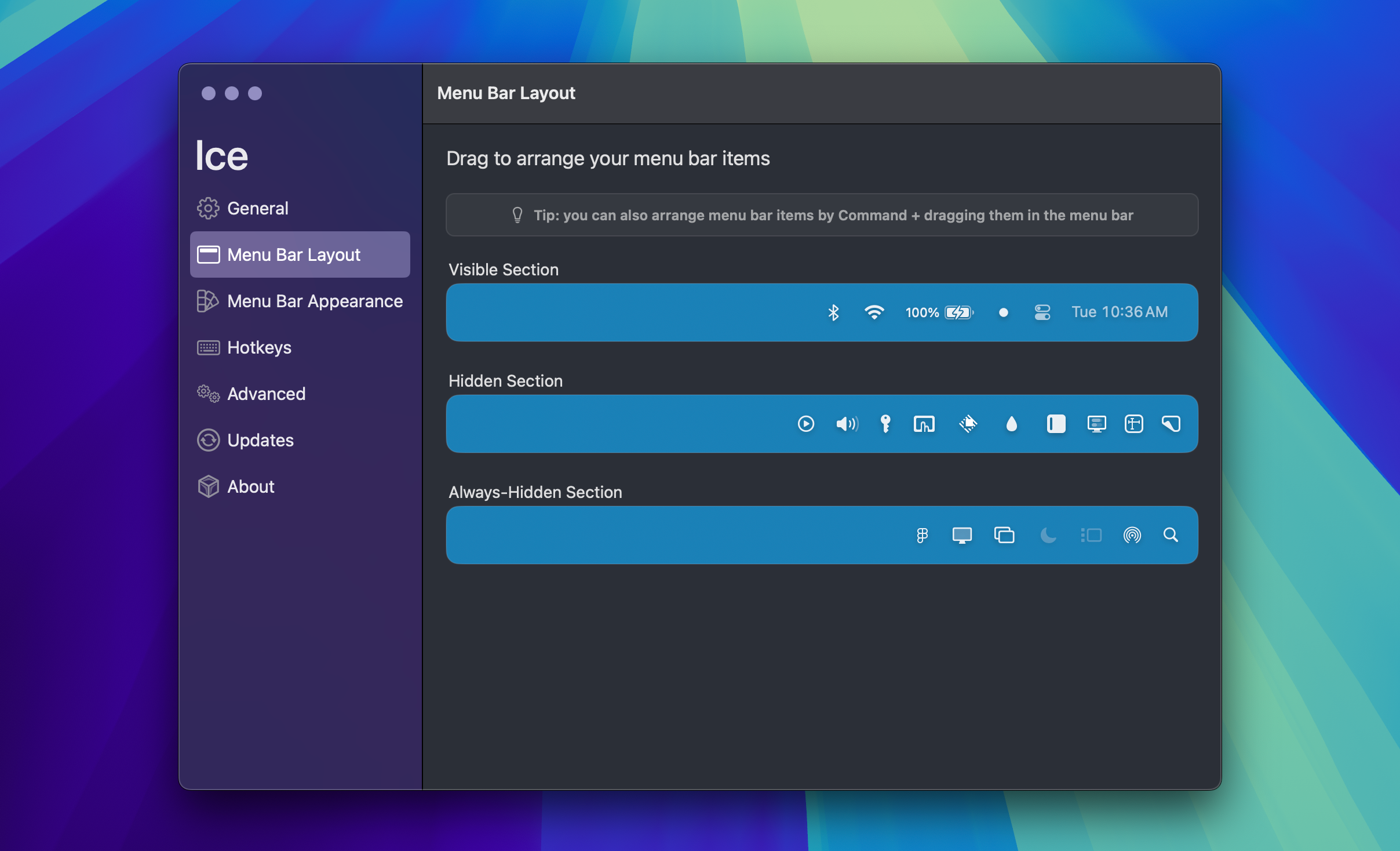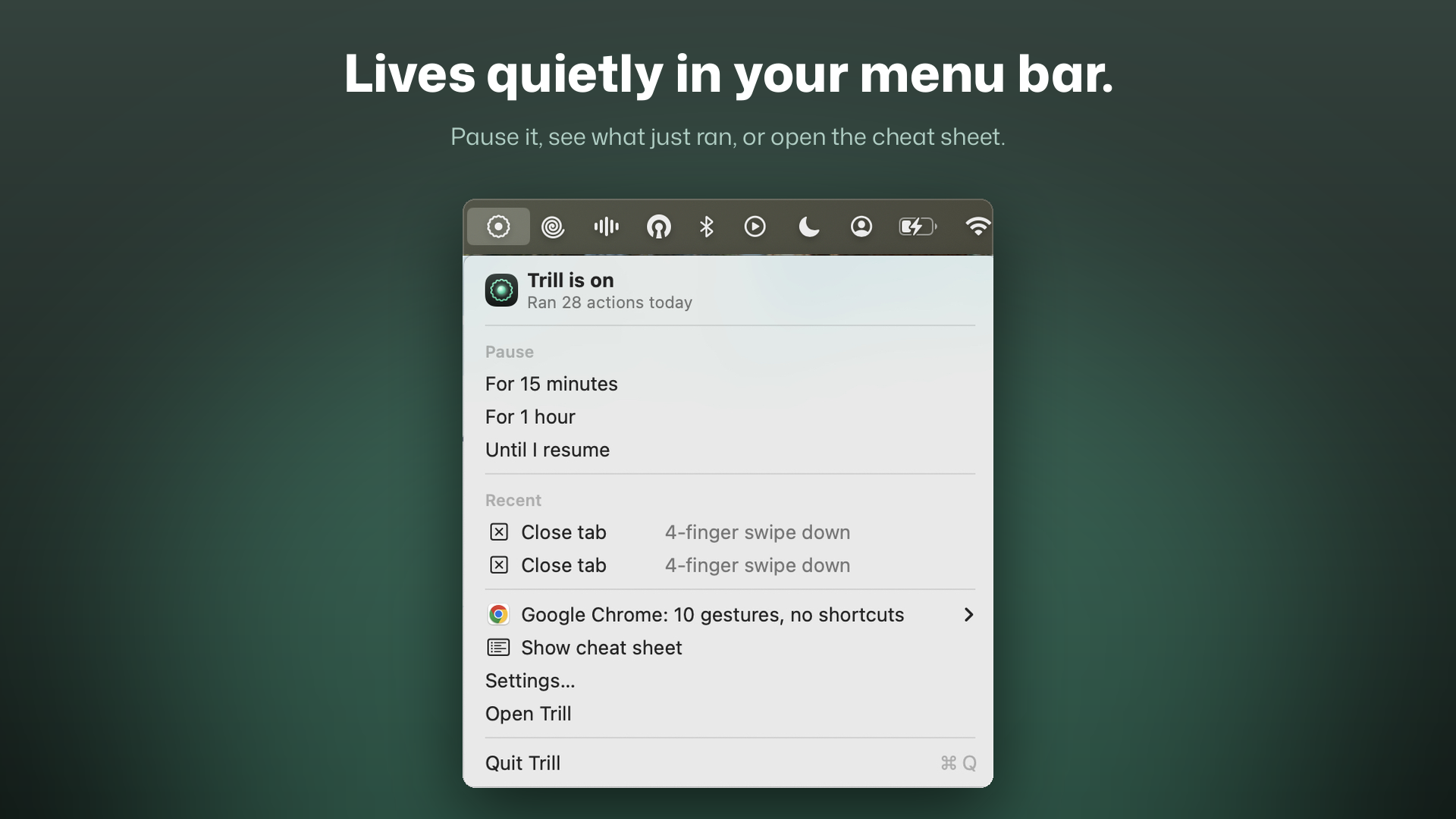
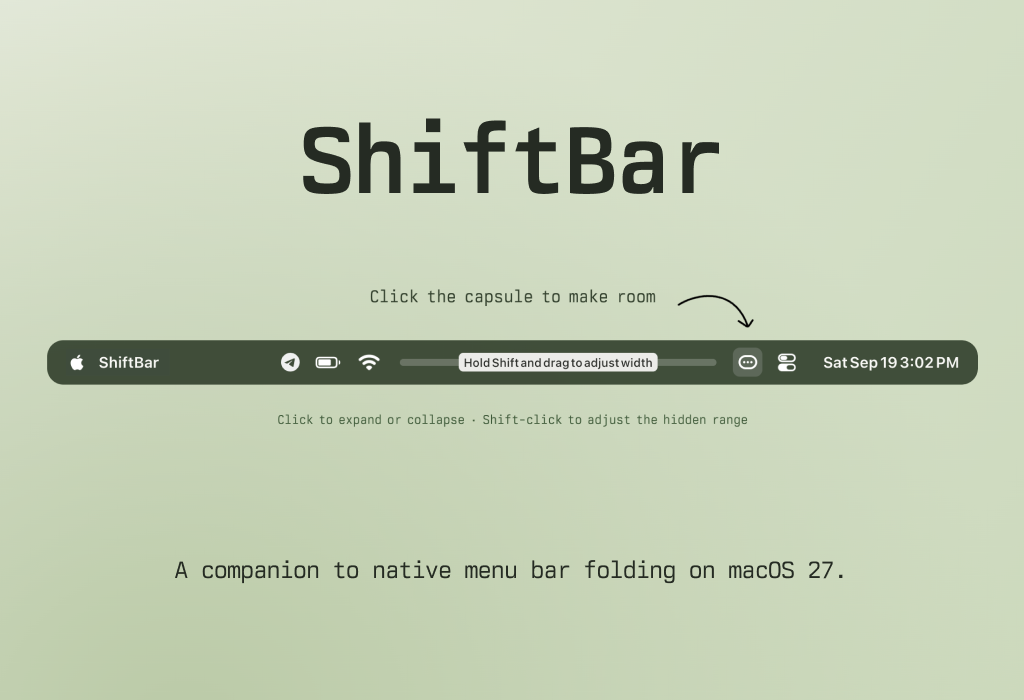
ShiftBar is a macOS utility that helps you organize your menu bar by choosing which icons to hide. It works as a companion to the native menu bar folding feature on macOS 27.
Features
- Hide menu bar icons — Keep rarely used icons out of the way and reveal them with a click. Your apps keep running.
- Remember your hidden range — Drag to choose the hidden range. Save a separate backup and restore it whenever you need.
- Works offline — No Dock icon or account required. Supports English, Simplified Chinese and Japanese.
How to use
- Start adjusting: Shift + Click the capsule to start choosing which icons to hide.
- Choose a range: Shift + Drag the adjustment bar to hide more or fewer icons.
- Save your layout: Click the capsule to expand or collapse.
- Menu options: Right-click the capsule to adjust the range, hide all left icons, back up or restore, view help and check for updates.
On first use, allow Accessibility access in System Settings. The available range depends on screen space, the notch and your menu bar layout.
ShiftBar is currently in Alpha and available as a free public preview.