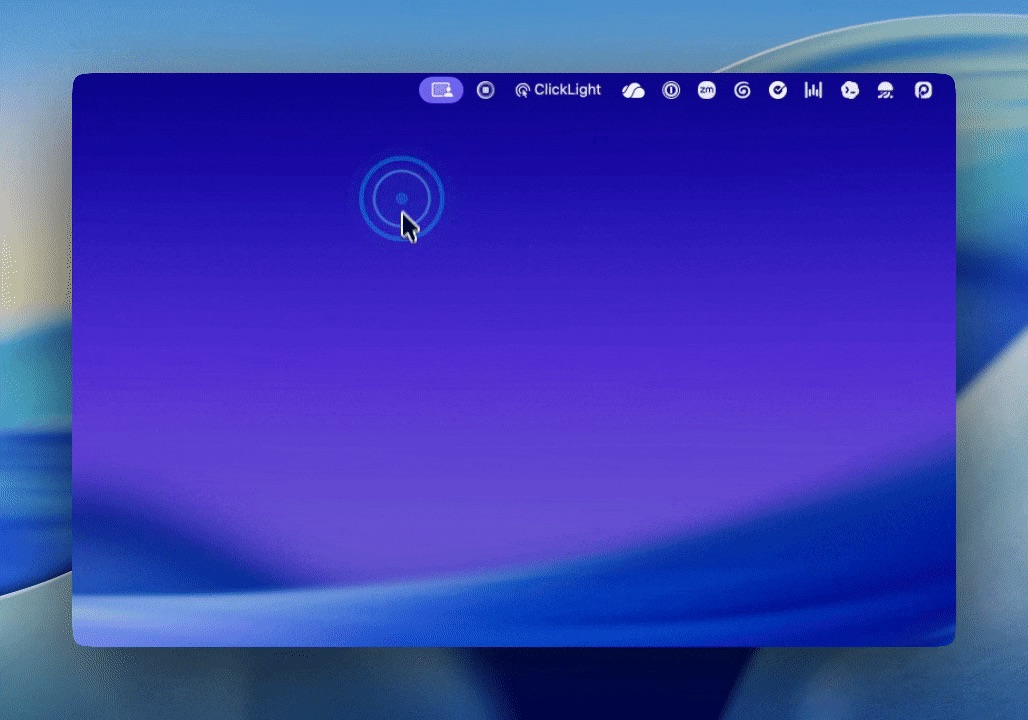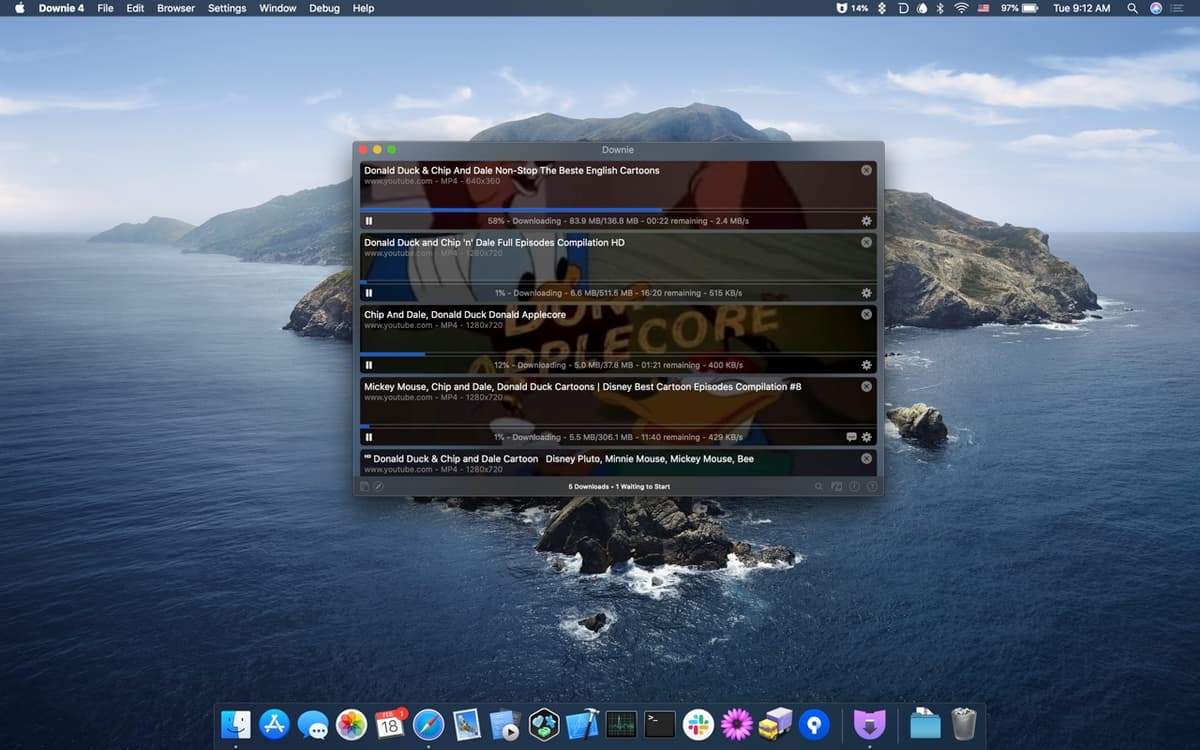
Snapline is a fast, native screenshot app for macOS that lives in your menu bar. Capture, annotate, record, and scroll-capture — then find any shot again by the text inside it.
Features
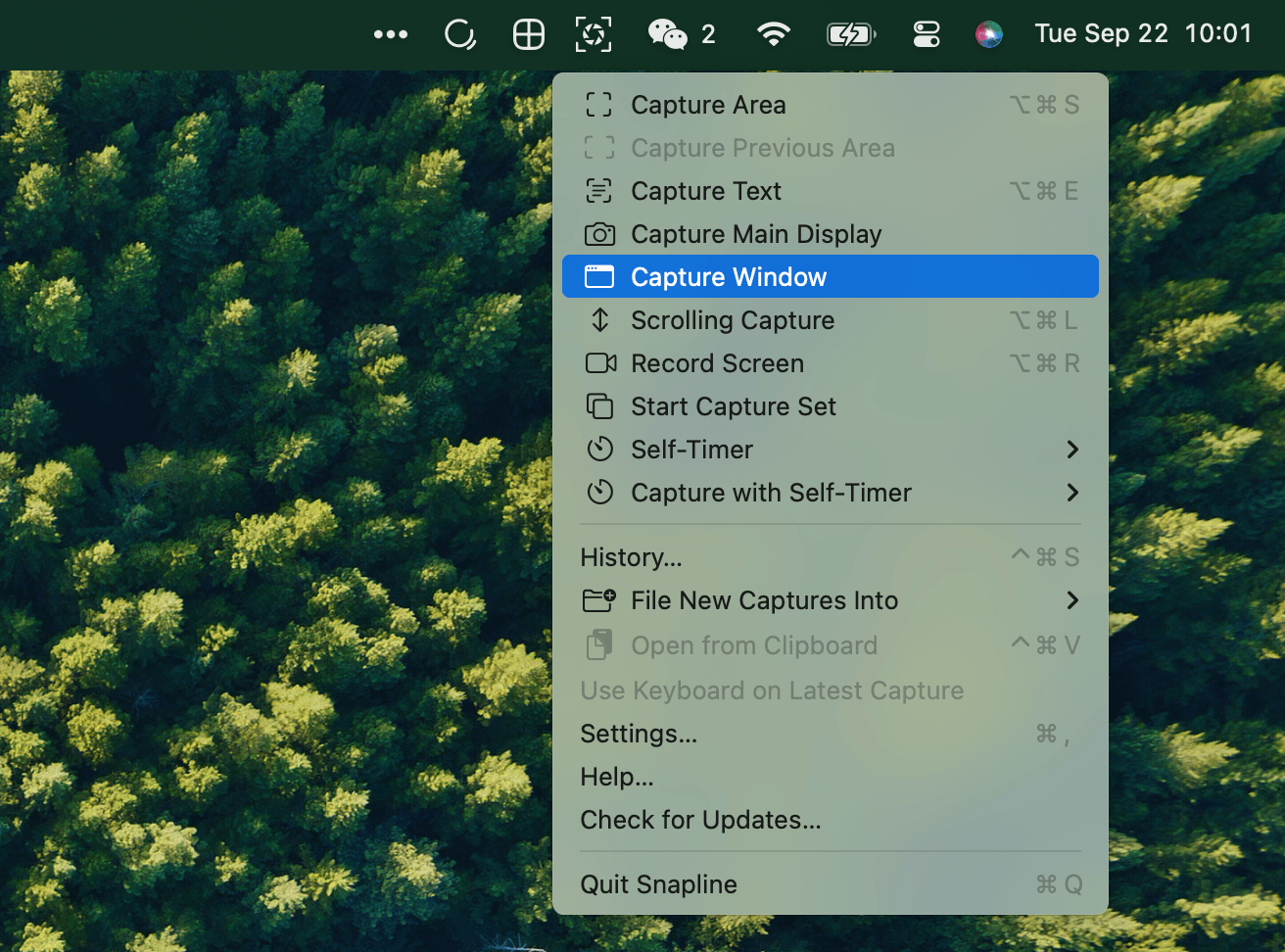
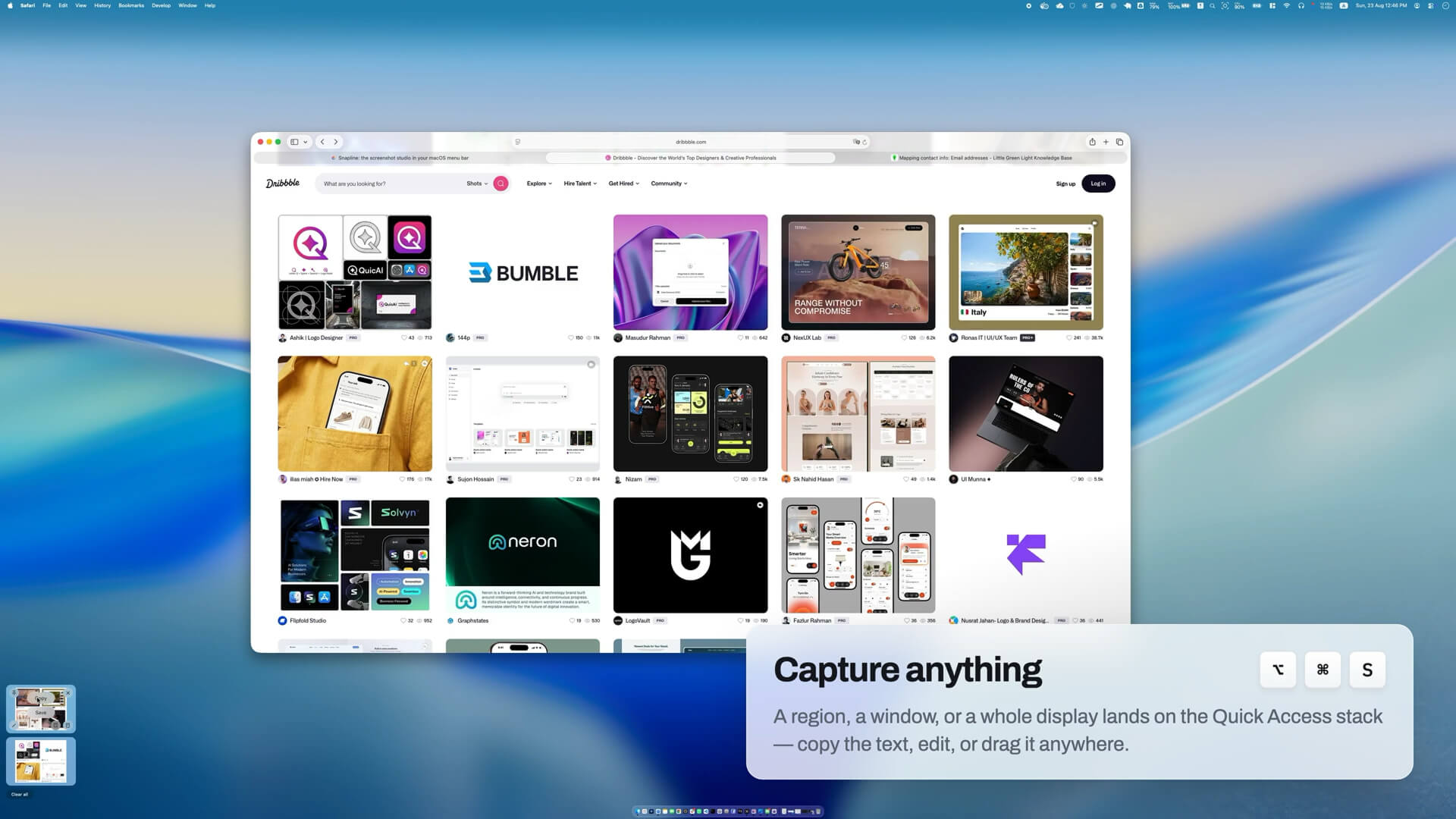
- Screenshot Capture — Quick region, window, or full-screen captures with global shortcuts.
- Scrolling Capture — Hit ⌥⌘L, pick a region or window, and scroll yourself. Snapline stitches frames live while a preview grows beside you. Sticky headers and footers are detected automatically.
- Screen Recording — Record any region, window, or display straight to H.264 MP4. The menu bar becomes a transport control: pause mid-take and the paused time is simply absent from the file.
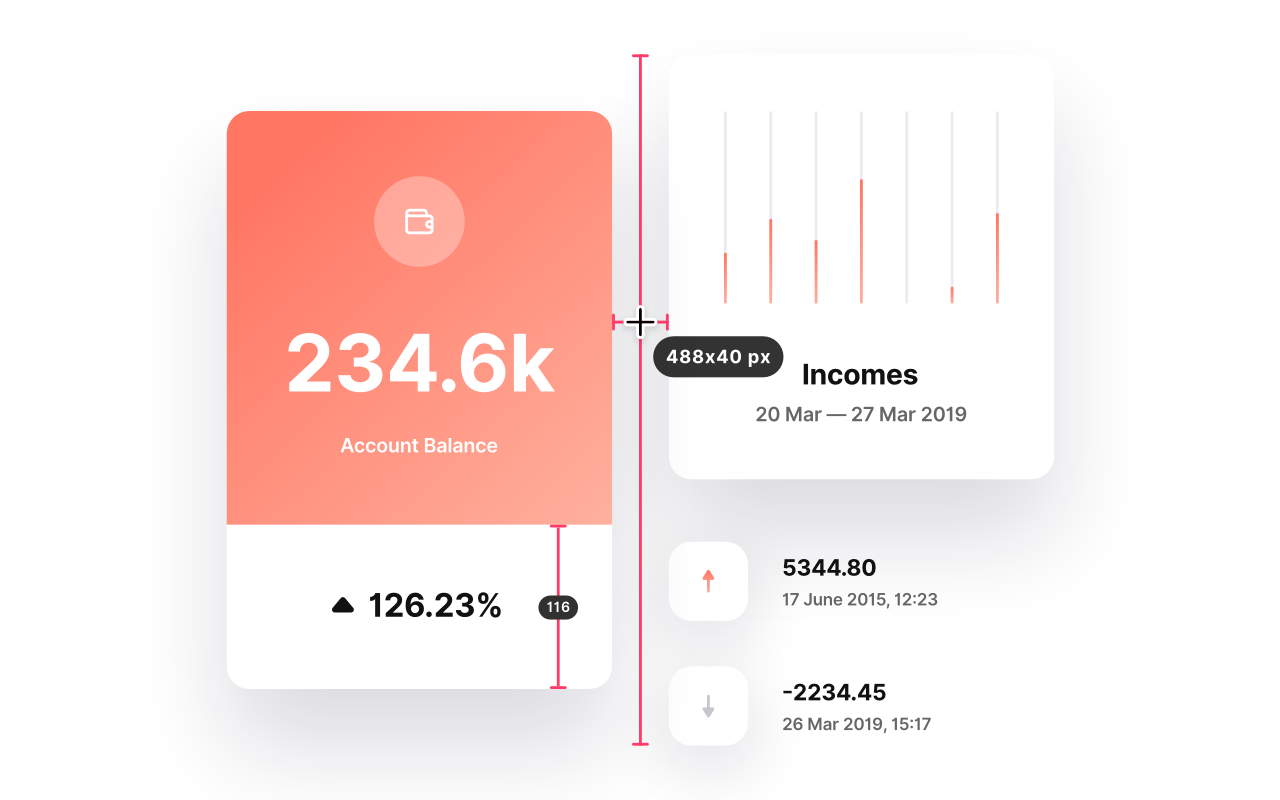
- Annotations — Full vector toolset: pen, highlighter, arrows, shapes, text, numbered counter badges, and redaction (blur, pixelate, or solid). Crop is non-destructive.
- OCR & Search — Every screenshot is OCR'd on-device in the background. Search by text, code identifiers, or copy capture text straight from its card.
- Pin Anywhere — Float a capture above every app as reference material.
- GIF Export — Convert any recording up to a minute into a looping GIF with one click.
- Trim In Place — Drag In and Out points to trim recordings, same file, same card.
- History Shelf — ⌃⌘S opens a searchable history of all your captures.
Privacy & Design
Written entirely in Swift and AppKit, Snapline launches instantly and stays light on memory. All captures, OCR, and translation are processed on your Mac — no cloud, no account, no subscription. Screen Recording is the only permission it ever asks for.
Pricing
$25 one-time purchase. Free to download; capture unlocks with a license. No subscription, no account required.
Requirements
macOS 14 or later.