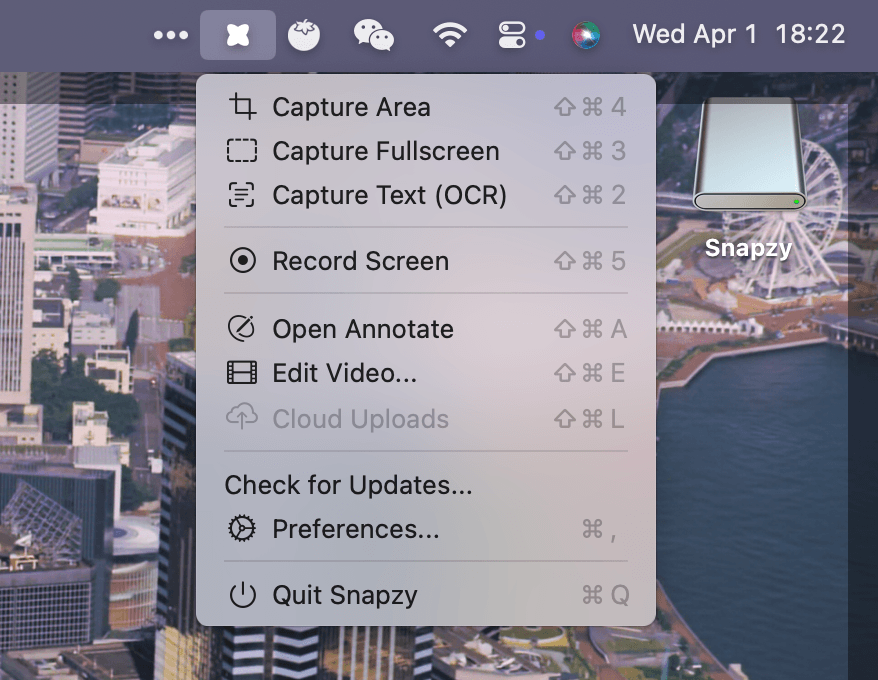
Snapzy is an open-source native macOS screenshot and screen recording app that runs from the menu bar. It's built as a CleanShot X alternative.
Features
-
Screenshot: Fullscreen or selected-area capture, OCR text extraction, transparent object cutout capture with optional safe auto-crop, window shadow capture (macOS 14+), multi-format export (PNG/JPG/WebP), hide desktop icons/widgets, quick screenshot during recording
-
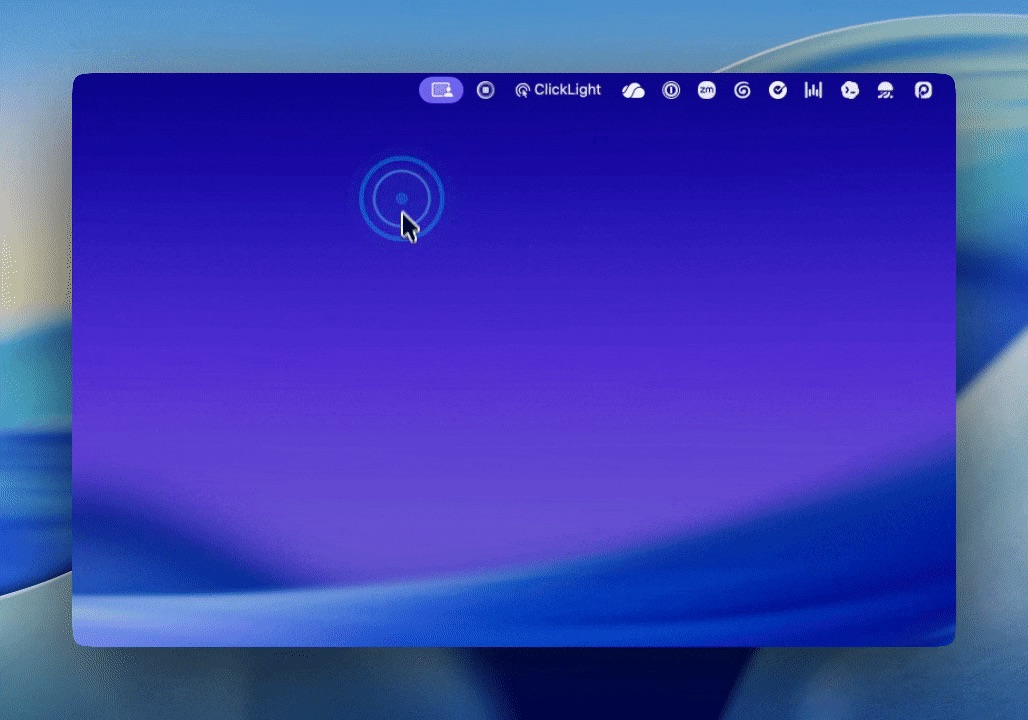
Screen Recording: Video or GIF output, system audio + microphone, mouse click highlights, keystroke overlays, live on-screen annotations, remember last area, GIF resizing
-
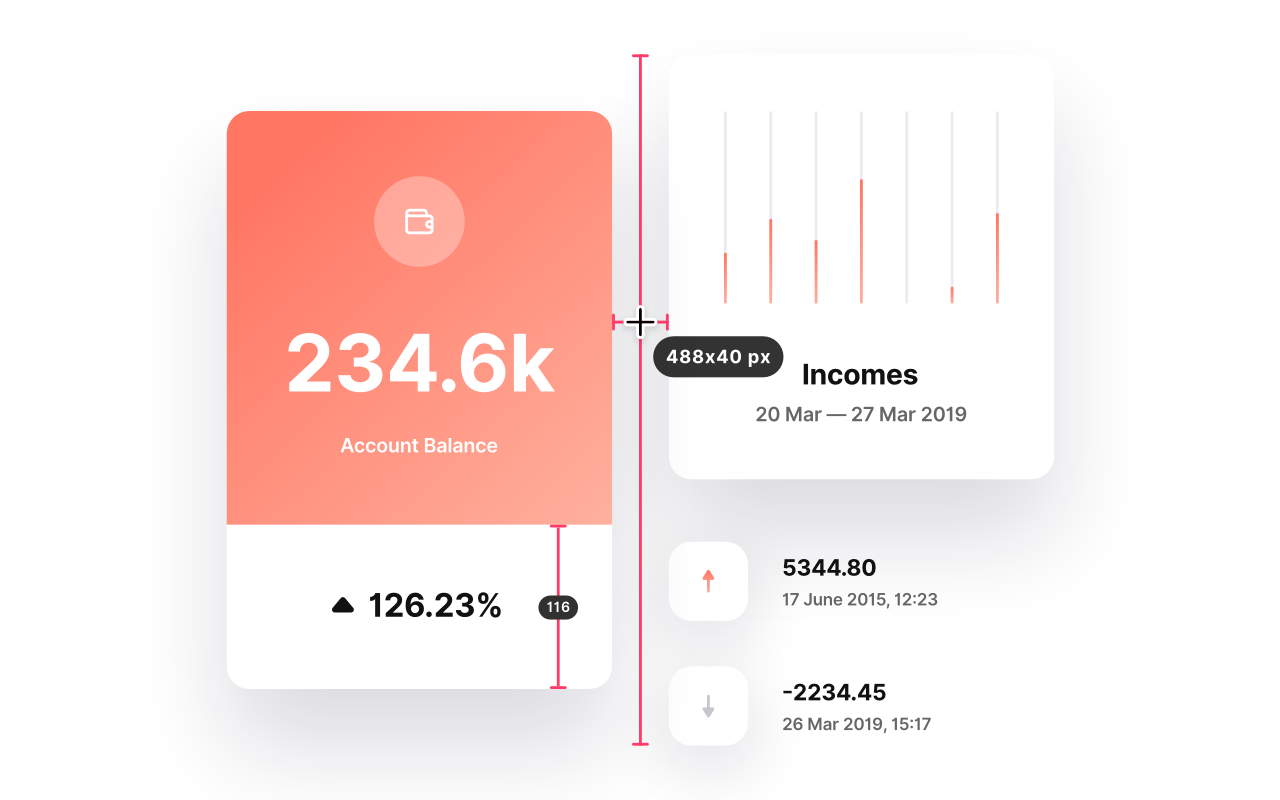
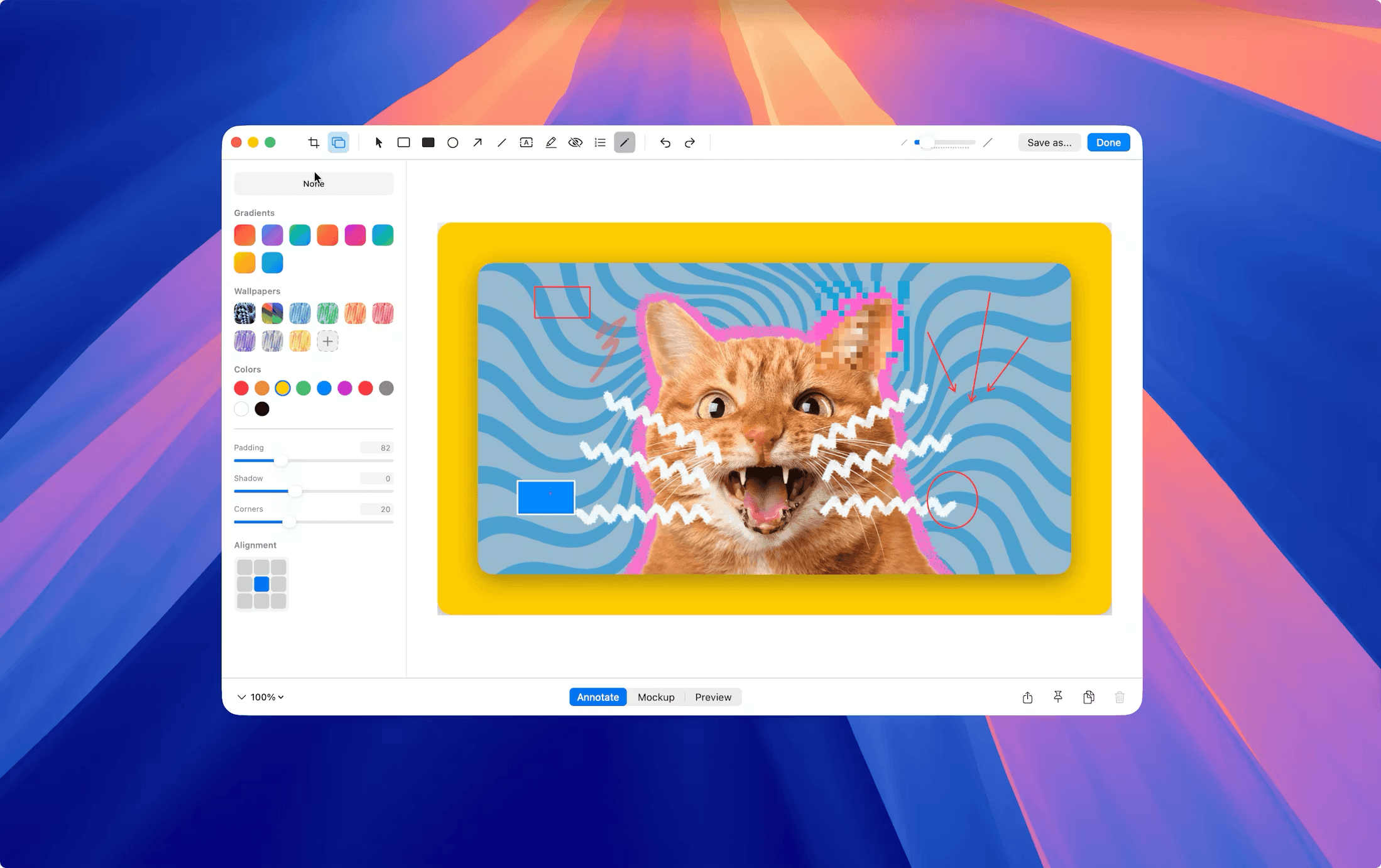
Annotation Editor: Shapes, arrows, text, filled rectangles, blur/pixelate, counters, crop, remove background with crop-aware auto-crop support, mockup backgrounds with 3D renderer, zoom/pan (pinch + keyboard), drag-to-app, configurable tool shortcuts
-
Video Editor: Trim with visual timeline + frame strip, zoom segments with auto-focus (Follow Mouse), wallpaper backgrounds + padding, custom export dimensions, animated GIF viewer, undo/redo
-
Quick Access: Floating panel after every capture with copy, edit, drag-to-app, open, and delete actions
-
Shortcuts: Fully configurable global shortcuts for capture, recording, and annotation tools with system conflict detection
-
Cloud Upload: Privacy-first bring-your-own-storage via AWS S3 or Cloudflare R2 — no third-party servers, credentials stored in the macOS Keychain
Install
Requires macOS 13.0 or later.
brew tap duongductrong/snapzy https://github.com/duongductrong/Snapzy
brew install --cask snapzy
Or download from GitHub Releases.