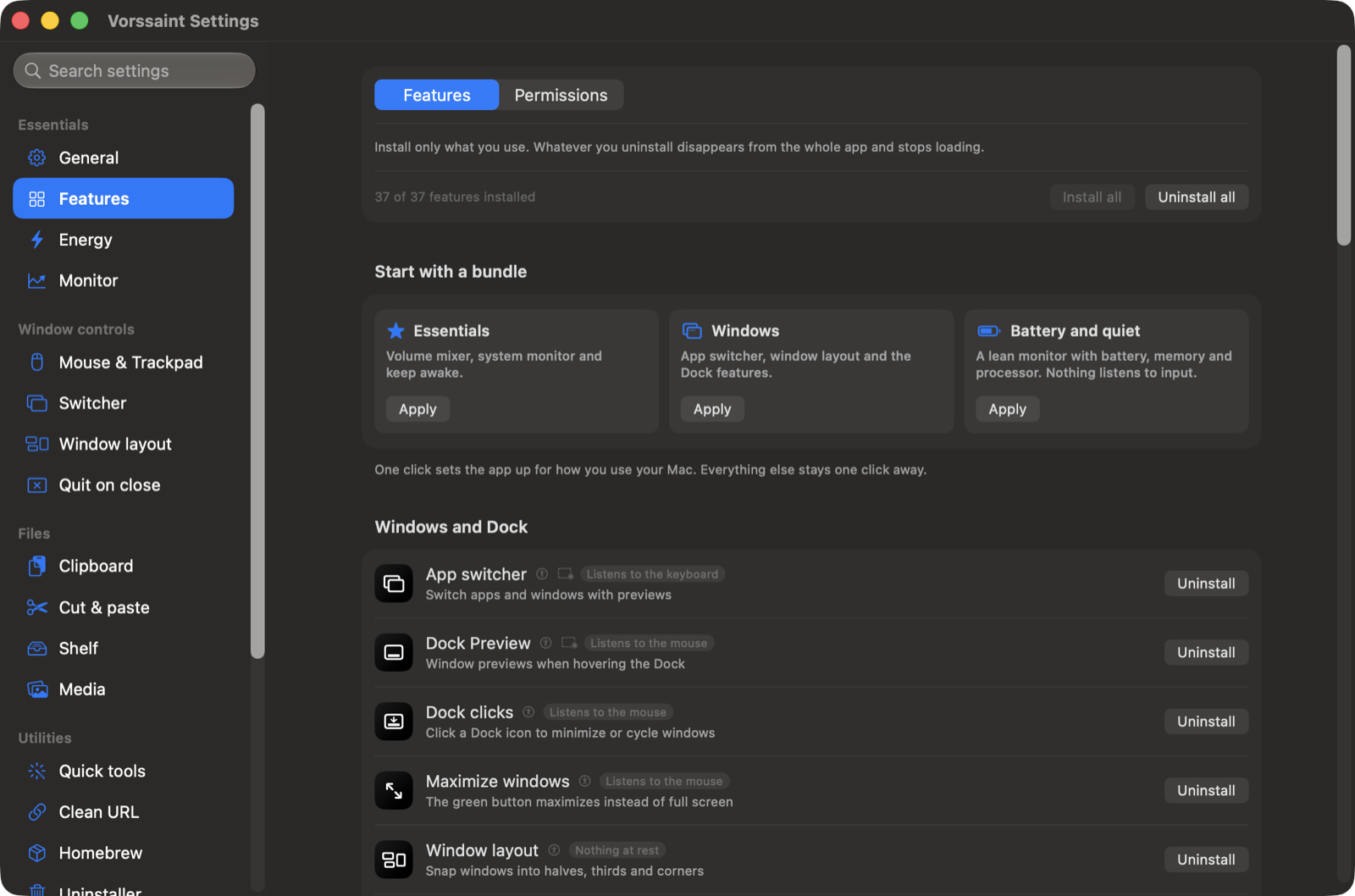
Vorssaint is a free, open-source macOS menu bar toolkit that bundles the utilities Mac users usually buy one by one — behind a single menu bar icon, with no account, no telemetry and no subscription.
Features
Sound
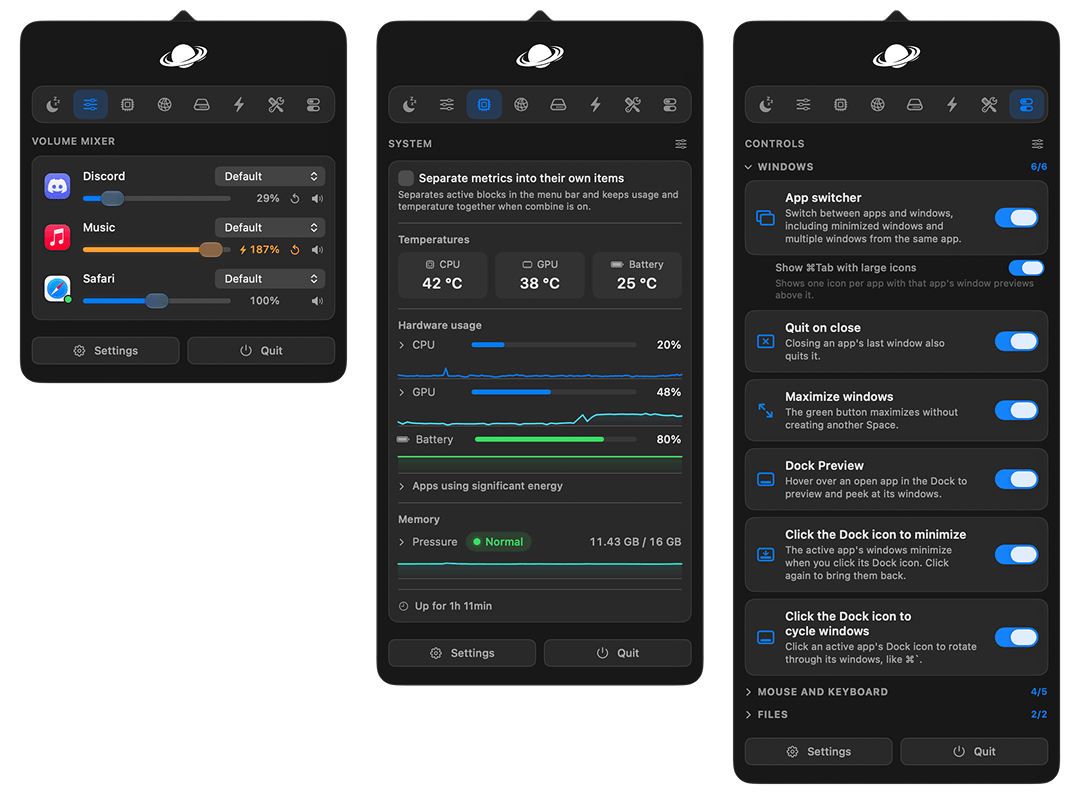
- Volume mixer — slide any single app up or down while the rest of the Mac stays put, and push a quiet one past 100 percent.
- Per app output — send music to speakers and a call to a headset at the same time.
- Output switcher — cycle between chosen outputs with one shortcut.
- Microphone tools — pin your favorite input and mute every microphone at once.
- Music app blocker — stops the Music app from bursting in when headphones connect.
System Monitor
- Menu bar readouts — CPU, GPU, memory pressure, temperatures, battery health, power draw and more.
- Network — live rates, session totals and a built-in speed test.
- Alerts — optional notifications for sustained CPU load, high temperature, memory pressure, low disk space and low battery.
Windows and Dock
- App switcher — richer ⌘Tab with live window thumbnails, minimized windows included.
- Window layout — snap to halves, thirds, sixths, corners, center or another display.
- Dock Preview — hover a Dock icon to peek at that app's windows.
- Dock clicks — minimize or cycle through windows by clicking the active app's Dock icon.
Keyboard and Mouse
- Text snippets — type a short trigger anywhere and it expands instantly.
- Smooth scrolling — gives a mouse wheel the glide of a trackpad.
- Mouse button shortcuts — assign key combinations to extra mouse buttons.
- Super key — hold Caps Lock and it counts as Shift + Control + Option + Command together.
Clipboard, Files and Links
- Clipboard history — local history of text, images and files with pinned favorites and search.
- Paste as plain text — one shortcut pastes without formatting.
- Shelf — park files, text and links mid-drag, then drop them where they belong later.
- Clean URL — strips tracking parameters from copied links.
Everyday Tools
- Quick panel — a small floating palette with your favorite tools one key away.
- Radial menu — a wheel of favorite actions around the pointer.
- Screenshot — capture, annotate, edit and export with a built-in editor.
- Camera preview — floating mirror before joining a call.
- Scratchpad — floating pad for short-lived text.
- Color picker — grab any pixel as HEX, RGB, HSL or SwiftUI code.
- Cleaner — sweeps app leftovers, caches and logs.
- Uninstaller — drop an app in and take its caches, preferences and logs to the Trash.
- Media tools — compress videos and images, make GIFs and extract text, all locally.
- Homebrew manager — search, install and remove formulae and casks without opening a terminal.
Energy and Display
- Keep awake — keep the Mac awake for a timer, until stopped, or automatically with an external display.
- Displays — adjust brightness or turn individual displays on and off from the menu bar.
- Extra brightness — pushes the XDR panel of a MacBook Pro past its regular maximum.
Privacy
Vorssaint has no backend, no account, no analytics and no tracking. The network is touched only by visible actions: update checks, the speed test, and Homebrew searches you start. Every permission is optional and explained in plain words.
Requirements
- macOS 14 Sonoma or newer
- Apple Silicon Mac