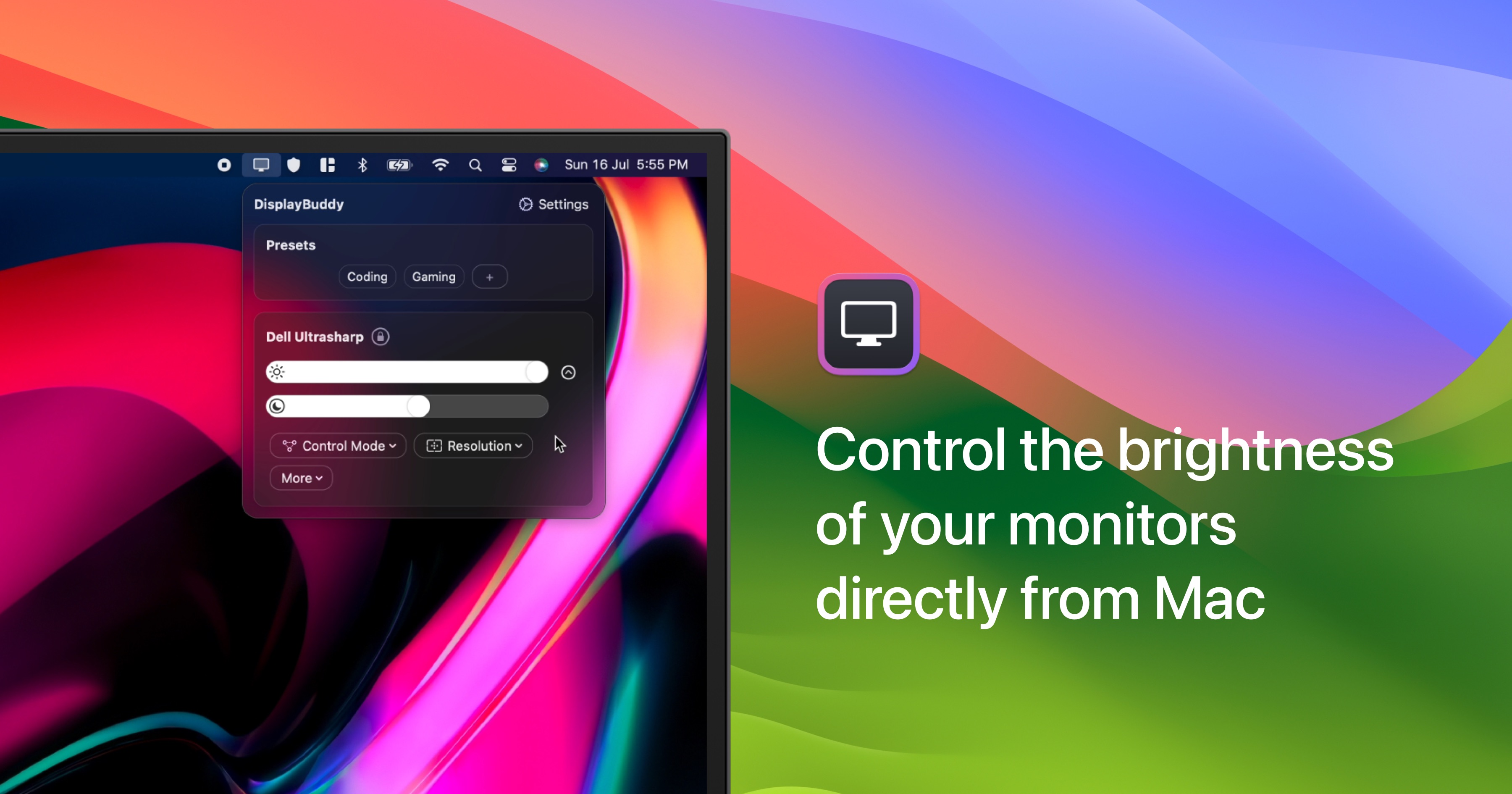
DisplayBuddy lets you control your external monitors directly from your Mac menu bar. No more reaching for clunky physical buttons.
Key Features
- Menu Bar Control: Adjust brightness, contrast, and volume of external displays — all from your menu bar
- Display Settings Control: Control real brightness, contrast & volume of external displays without touching any buttons
- Create Presets: Save settings across multiple displays and restore them later with a single click. Perfect for work, movies, or gaming
- Keyboard Shortcuts: Control display brightness using brightness keys or your own custom shortcuts
- Sync: Adjust brightness across all displays simultaneously with one slider
- Input Sources: Switch between HDMI, DisplayPort, USB-C and more without touching your monitor
- Beautiful Widgets: Add customizable widgets to your desktop for quick access to Presets
- UltraBright Mode: Push your MacBook display beyond its default brightness limits for outdoor use
- Apple Displays: Full support for Studio Display, Pro Display XDR, and Cinema Displays
- Apple Silicon: Optimized for M1, M2, M3, M4, M5 chips with native performance
- Siri & Shortcuts: Control displays with voice commands and automate with Mac Shortcuts app
Compatibility
Works great with displays from LG, Dell, Samsung, Acer, BenQ, ASUS, HP, and Apple.
Pricing
One-time purchase with lifetime license. Also available on SetApp.