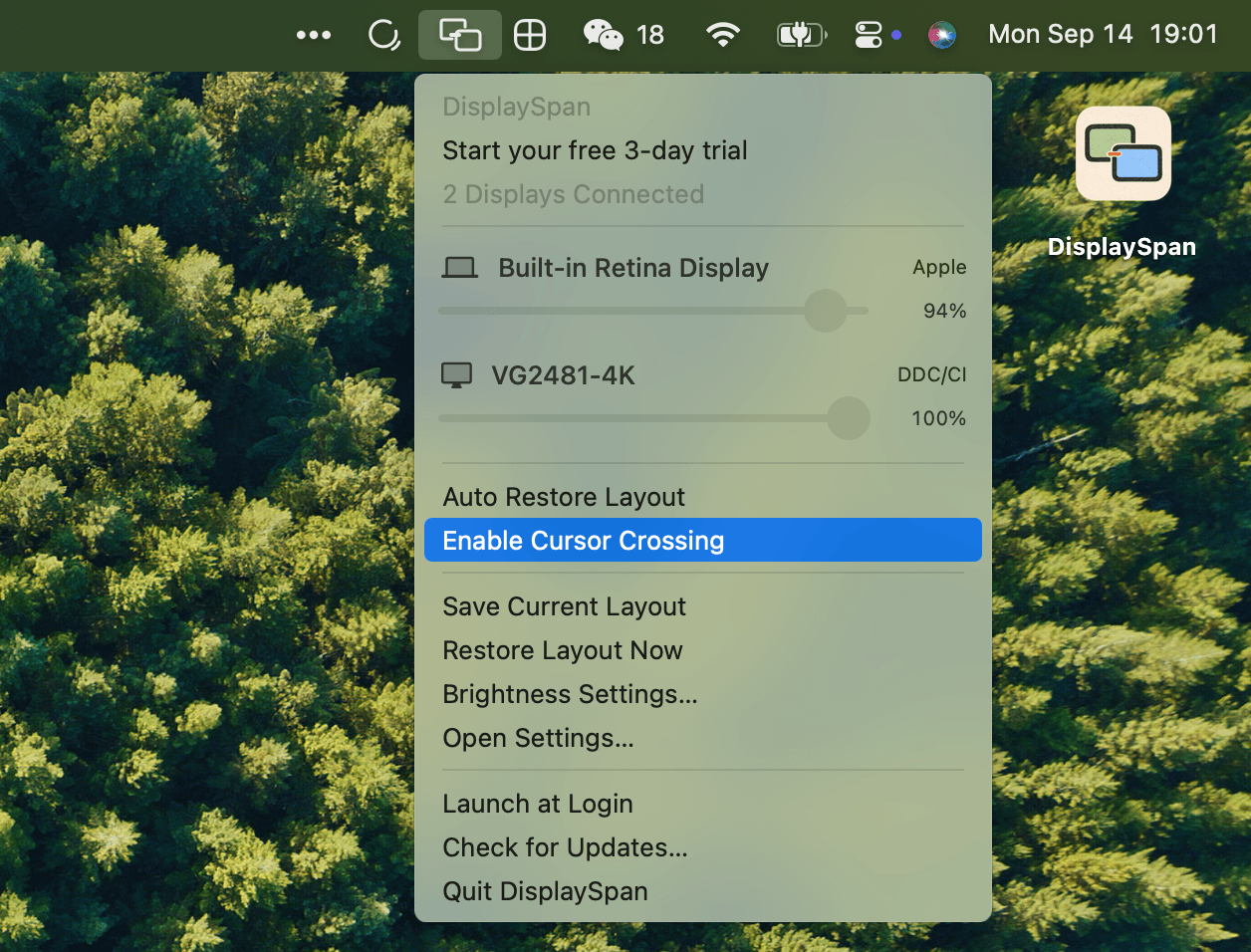
DisplaySpan is a menu bar app that makes your Mac displays work as one. It helps your pointer cross unreachable edges between monitors with different sizes, saves and restores display layouts automatically, and lets you control each display's brightness from the menu bar.
Features
- Cursor Crossing: Helps your pointer cross unreachable edges while keeping normal macOS crossings intact. Works with pointer movement and dragging, without Input Monitoring permission.
- Layout Restore: Save your display arrangement once. With automatic restore enabled, reconnecting the same screens or waking your Mac brings back their saved positions.
- Brightness Control: Use the screen brightness keys to adjust the supported display under your pointer, or control each display from the menu bar.
Requirements
- macOS 14+
- Keyboard control requires Accessibility access
- External brightness depends on DDC/CI through your monitor, cable and dock
- Third-party DDC currently requires Apple Silicon
DisplaySpan offers a 3-day free trial with no credit card required. Licenses are buy-once, use forever with all future updates included.