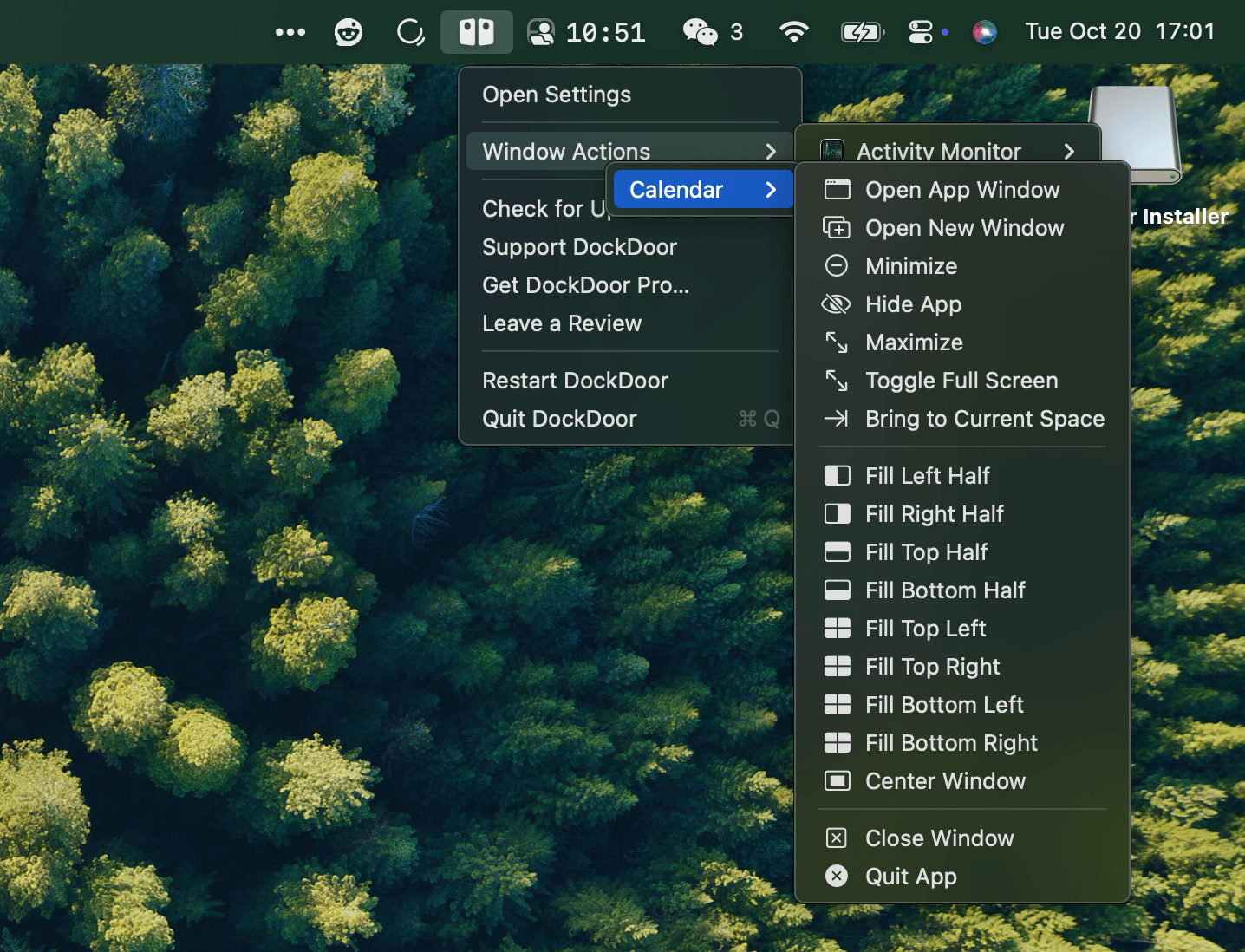
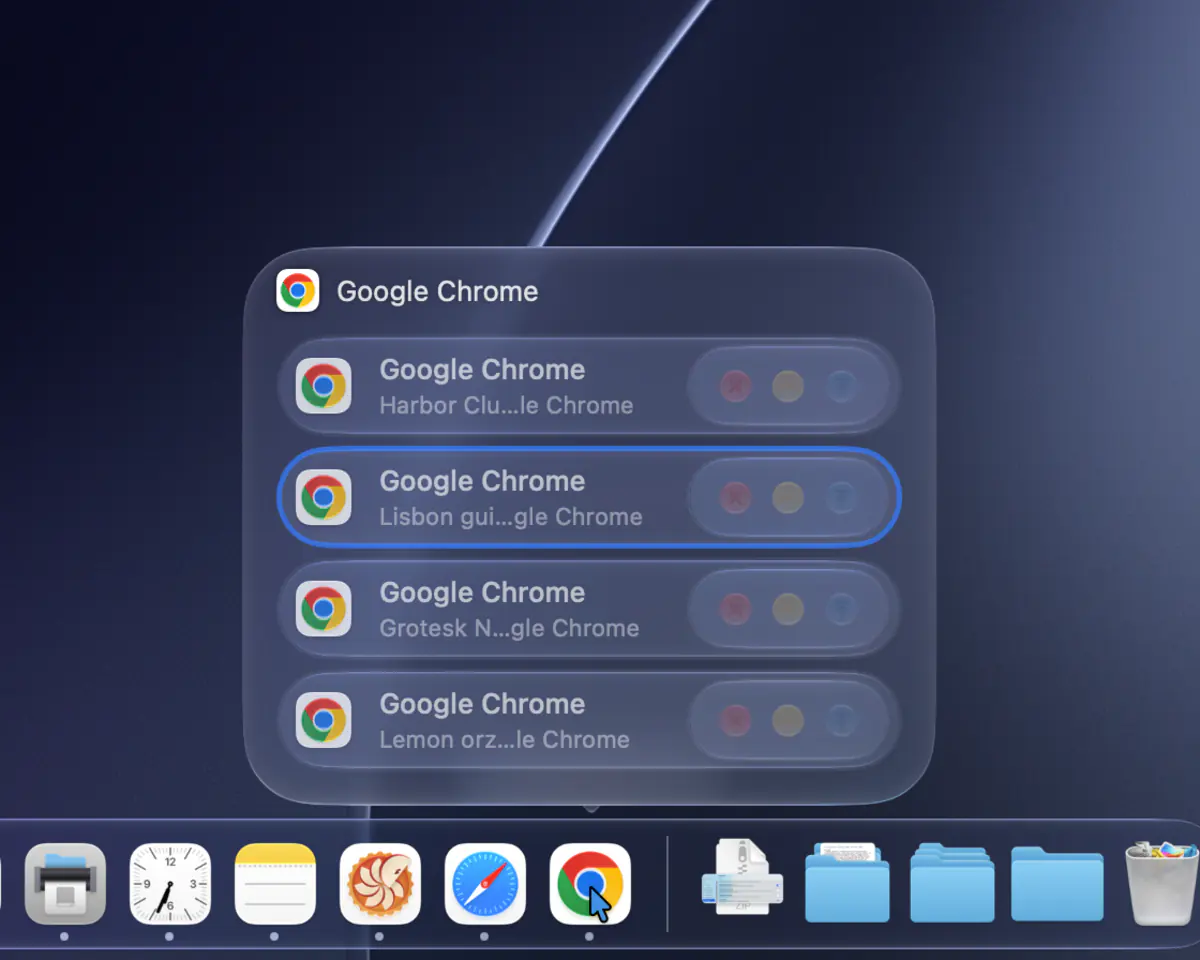
DockDoor brings window previews to the macOS Dock, the way Windows and Linux have had them for years. Hover an app in the Dock to see all of its open windows as live thumbnails, then click one to switch to it, or close, minimize and quit it right from the preview.
It doesn't replace the Dock. DockDoor is a small native app that runs from the menu bar and adds to the Dock that ships with macOS, in Liquid Glass on macOS 26 and later.
Key Features:
- Dock Previews — Hover any app in the Dock to see its windows, including ones on other desktops, other displays, and minimized or hidden ones. Each preview has close, minimize, full screen and quit buttons.
- Alt+Tab for Every Window — Hold ⌥ and press Tab to see every open window, not just every app. Press Tab to move through them and release to switch. Type to search, or change the shortcut in Settings.
- Command-Tab with Windows — While you hold ⌘ and Tab, DockDoor shows the highlighted app's windows above the built-in app switcher.
- Folder Pop — Hover a folder in the Dock to see, sort and open what's inside.
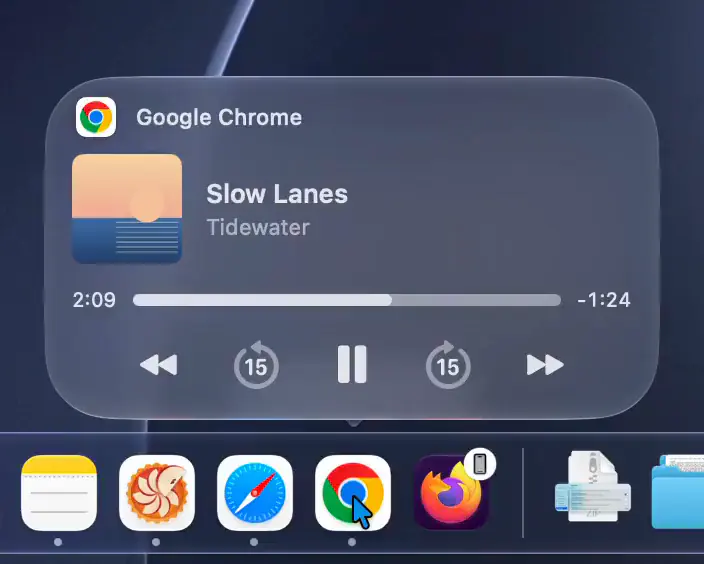
- Music Controls — Hover an app that's playing audio for a player with synced lyrics for Spotify and Apple Music.
- Gestures — Swipe two fingers on a preview to minimize or maximize a window, scroll on a Dock icon to show or hide an app, or shake a preview to minimize everything else.
- Quick Quit — Hold ⌘ and right-click a Dock icon to quit the app, or add ⌥ to force quit.
- Calendar — Hover Calendar to see the rest of today's events.
- AppleScript and CLI — Control previews, the switcher and windows from scripts.
Free for macOS 13 Ventura and later, on Apple silicon and Intel. Notarized by Apple, and it keeps itself up to date.
Also available with Homebrew: brew install --cask dockdoor