Lid Plane is a tiny menu bar app that uses ScreenCaptureKit, the lid angle sensor, and a Metal shader to hold your desktop at an apparent fixed angle and progressively blur it as you move the lid — including soft image edges.
How it works
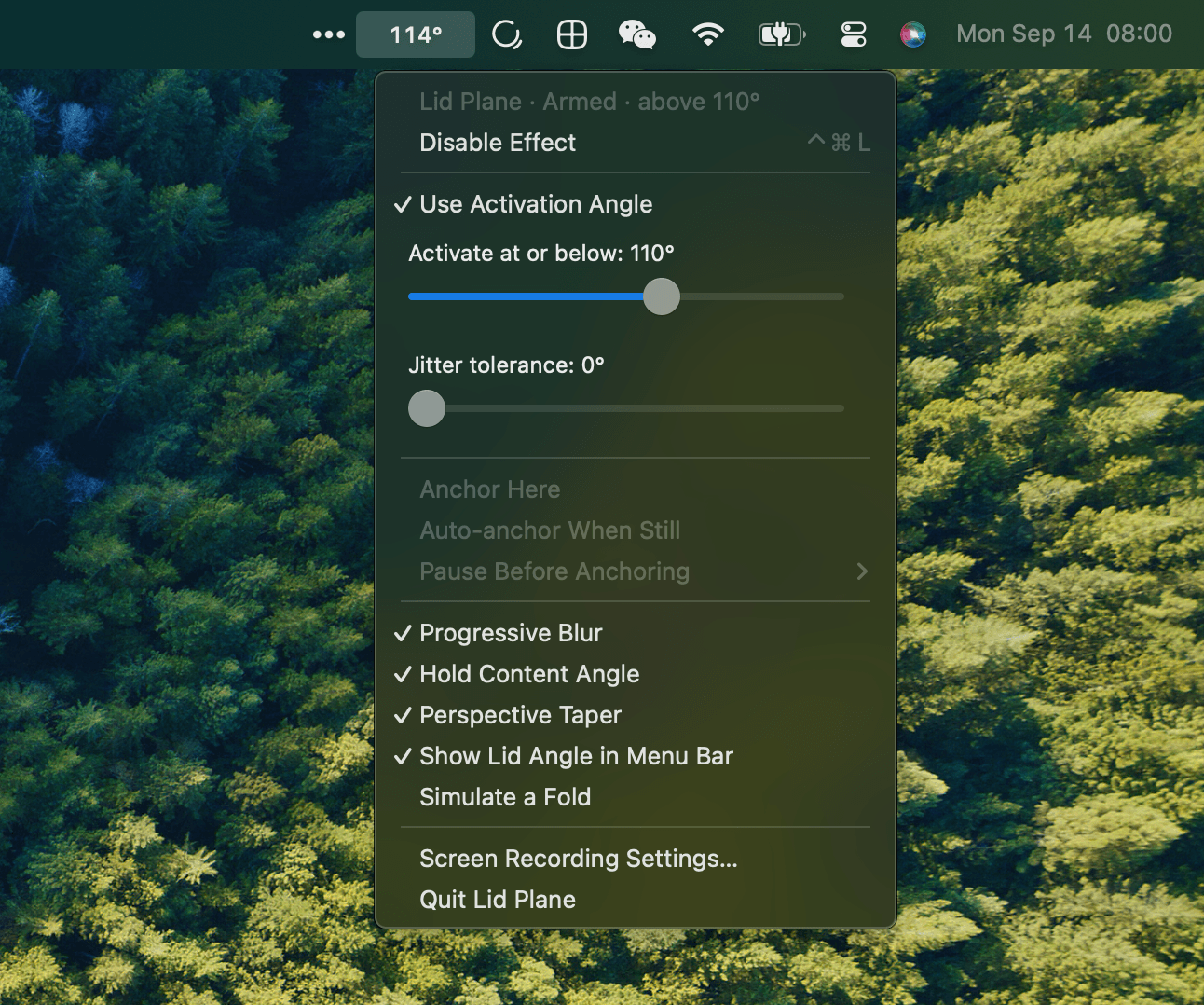
Open your MacBook above 110° and your desktop is untouched. Close it below that angle and the app builds a progressive blur effect while keeping your apps clickable and preserving keyboard focus. An alternative movement-based mode can settle the effect when you pause.
Controls
- Toggle effect: Click the menu bar readout/icon, or press Control–Command–L
- Open options: Right-click or Control-click the readout/icon
- Activation angle: Enable "Use Activation Angle" and set a cutoff (10–180°, in 1° steps); defaults to 110°
- Jitter tolerance: Ignore small hinge movements with a 0–5° slider
- Show lid angle: Replace the icon with a numeric readout like
105° - Simulate a fold: Test the effect without moving the lid
Features
- Progressive blur with perspective taper
- Hold content angle for a fixed-anchor illusion
- Auto-anchor when still (movement-based mode)
- Click-through overlay keeps apps interactive
- Settings remembered between launches
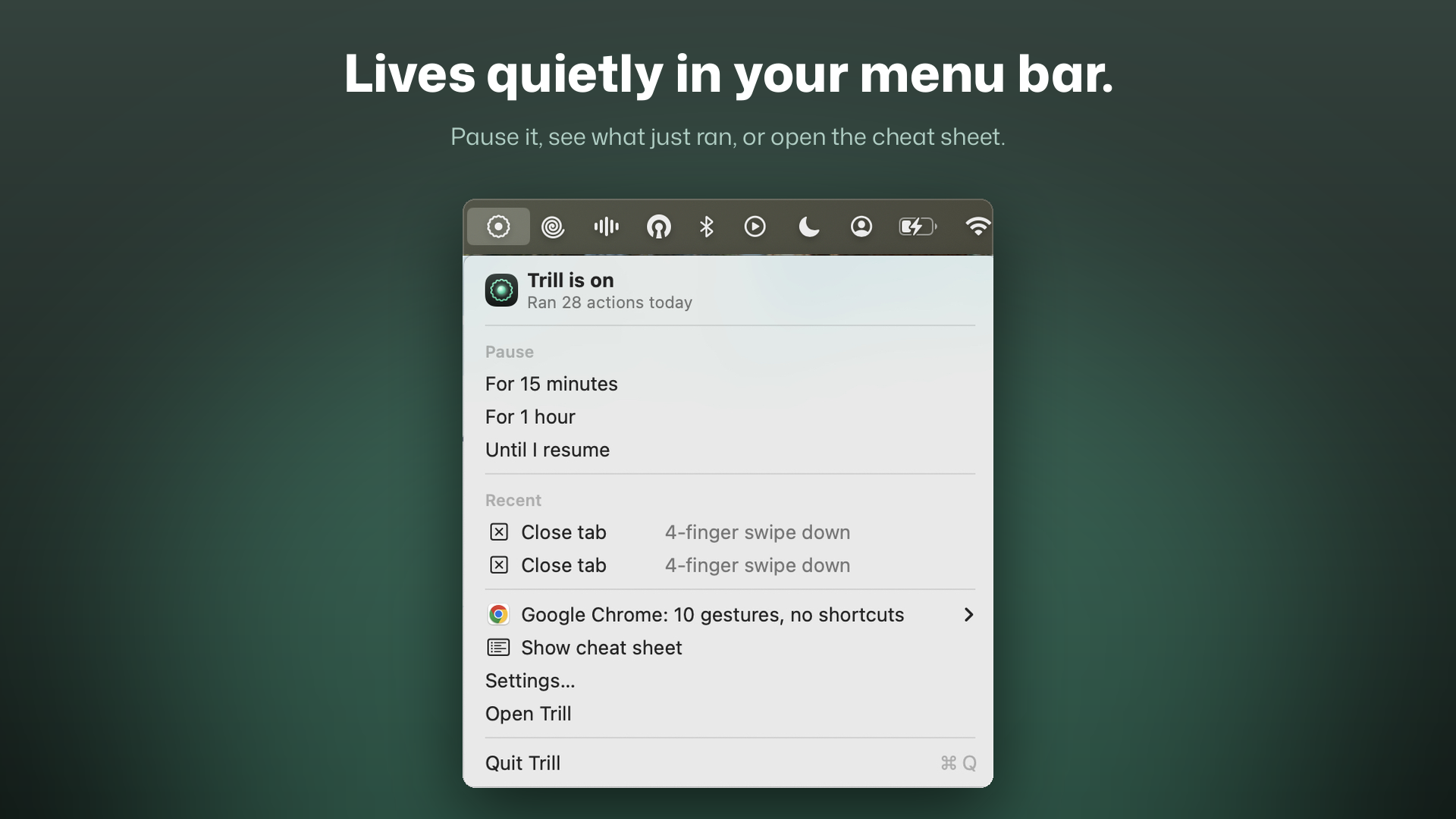
- No Dock icon — lives purely in the menu bar
Requirements
- macOS 13 or newer
- Apple silicon MacBook with a readable lid angle sensor
- Screen Recording permission
Note: This is an experimental build, ad-hoc signed and not notarized by Apple.